Get started
You have a project on your computer, and you want it on TanStack Source. At the end of this page, your code is on the forge and you have a pull request open.
You need:
- Git.
- Node.js 22 or later, for the
srcCLI.
1. Make an account
Open Sign up. Sign up with a password, or with GitHub or Google when the page shows them.
2. Install the CLI
src is the CLI of TanStack Source. It has the commands of gh.
On macOS, Linux, or Git Bash on Windows:
curl -fsSL https://gitflare.t-zlak97.workers.dev/install | shIn Windows PowerShell:
irm https://gitflare.t-zlak97.workers.dev/install.ps1 | iexThen open a new terminal. Install and set up the CLI has the details.
3. Log in
src auth login
src auth setup-git
src auth loginprints a one-time code. Press Enter to open the browser.- Type the code, click Continue, then click Approve.
src auth setup-gitletsgit pushandgit cloneuse the same login.
To make sure that the login works, run src auth status.
4. Make a repository and push
In the folder of your project, run:
src repo create my-app --private
git remote add origin https://gitflare.t-zlak97.workers.dev/<your-username>/my-app.git
git push -u origin main
src repo create prints the URL of the new repository. Use --public for a public repository.
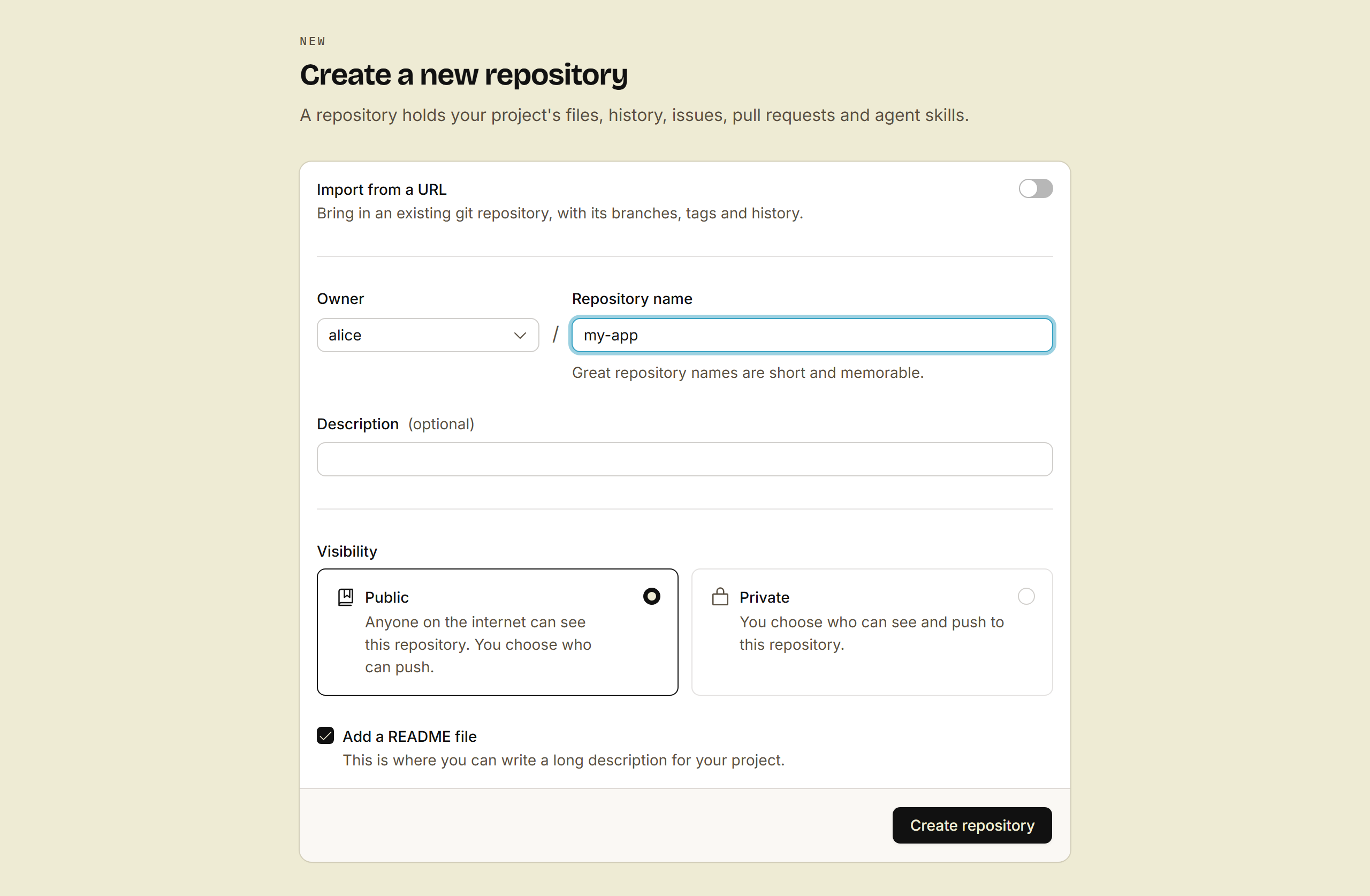
Do you want to start in the browser? Open New repository, fill in the name, and click Create repository. The Code menu of the repository shows its clone URL.
5. Open a pull request
git switch -c first-change
echo "Hello from TanStack Source" >> README.md
git commit -am "docs: say hello"
git push -u origin first-change
src pr create --fill
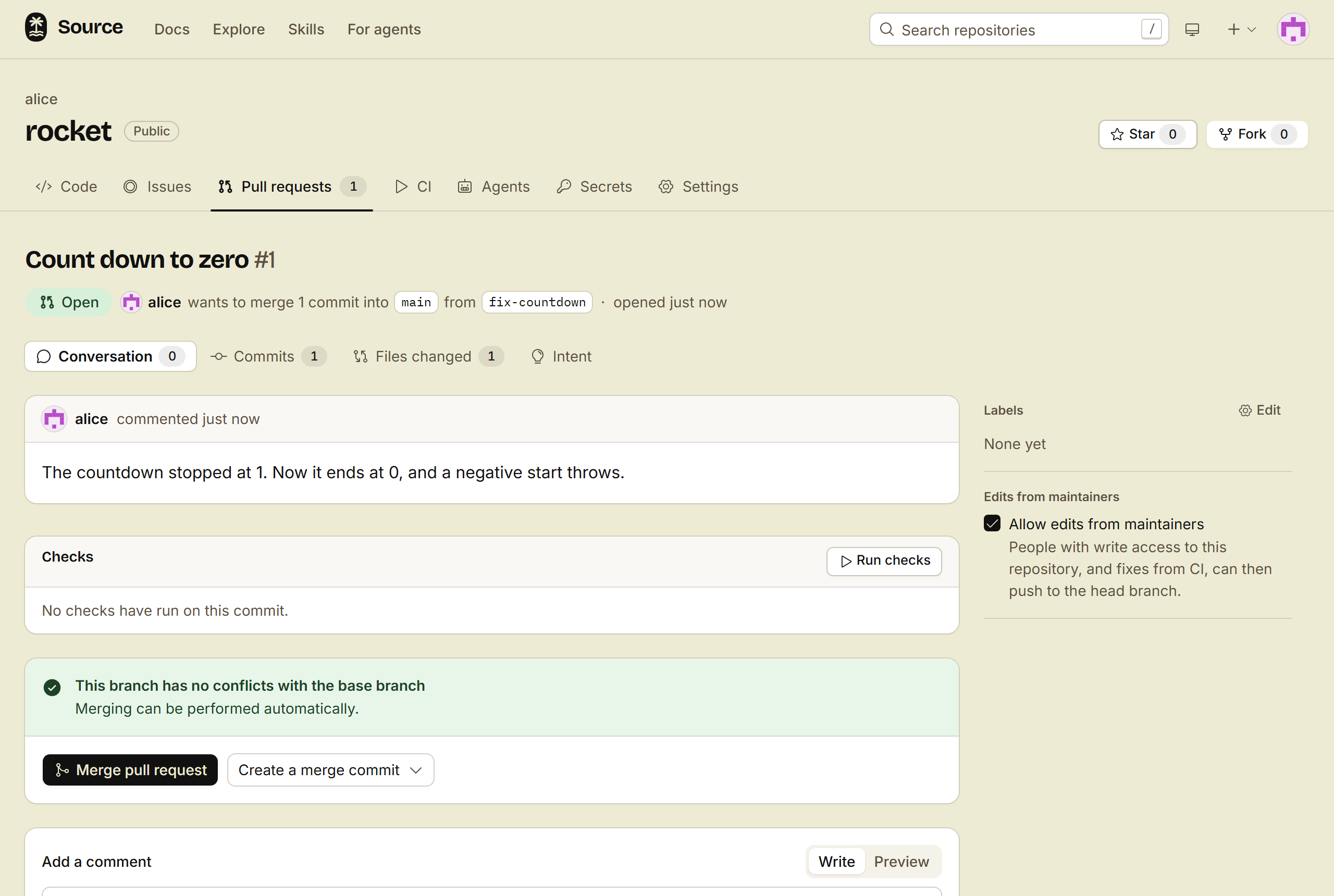
src pr create prints the URL of the pull request. Open it to see the change, comment on a line, and merge.
Done
Your code is on the forge, and you have a pull request. src browse opens the repository in your browser.
Next, pick one:
- Connect your coding agent, so that it can work on this repository.
- Add CI, so that each pull request shows a green check.
- Keep private files out of git, such as your
.envfile. - Host the images and videos of your site, outside git.