Add a skill to your agents
You found a skill, and you want Claude Code, Codex or Cursor to use it in your project. You do not want to copy files into the folder of each agent by hand.
src skill install copies the skill one time and links it for each agent that needs a link. You need src and a login: see Install and set up the CLI.
1. Install the skill
In your project, run:
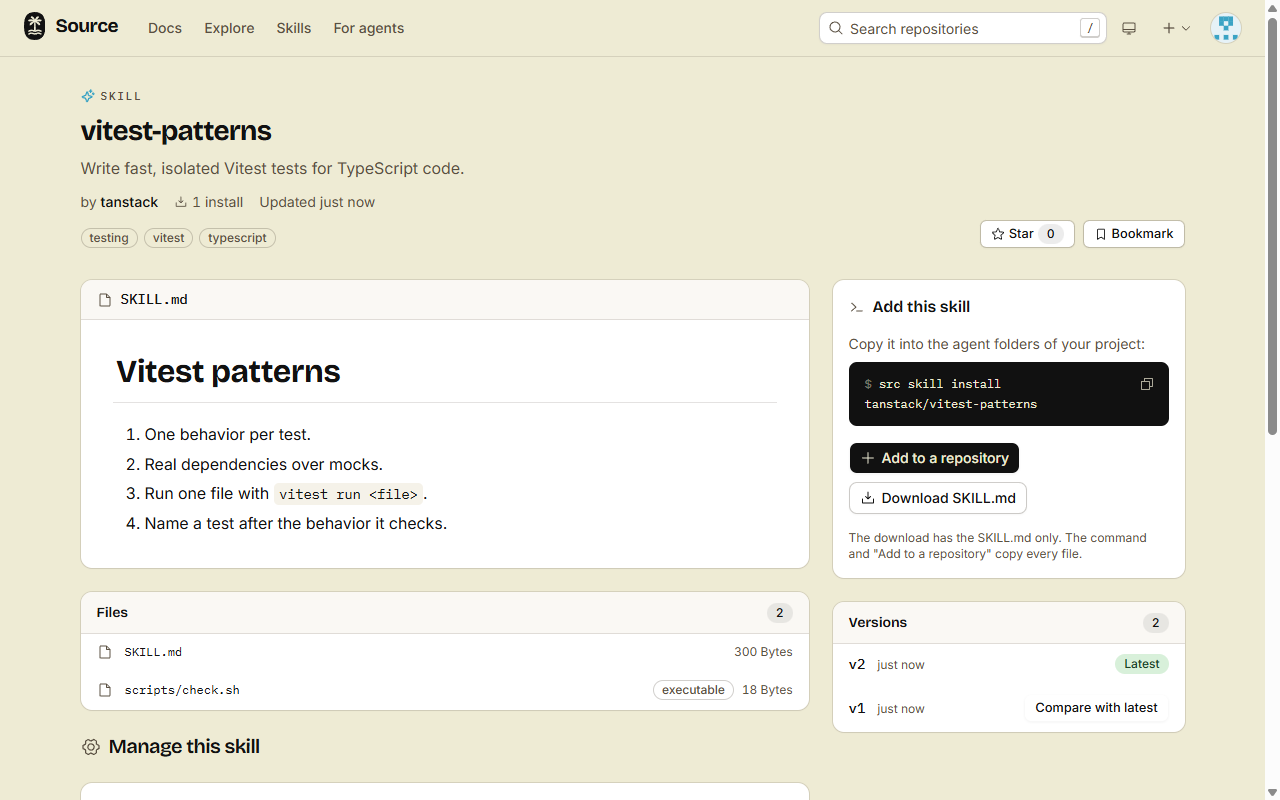
src skill install acme/changelogUse the address of your skill in place of acme/changelog. Each skill page shows this command under Add this skill.
2. See what changed in your project
.agents/skills/changelog/: the copy of the skill, with all its files. Codex, Cursor, GitHub Copilot, Gemini CLI and OpenCode read this folder..claude/skills/changelog: a link to the copy, for Claude Code..grok/skills/changelog: a link to the copy, for Grok..agents/skills.lock.json: the address, the version and the date of each skill thatsrcinstalled.
If the system does not let src make a link (for example on Windows without the right to make links), src puts a copy there and prints Copied.
To give the skill to each person and agent that clones the project, add it to the repository.
3. Keep it up to date
src skill list
src skill update changelog
src skill listshowsv3 → v5when the source has a newer version.src skill update --allupdates each skill that is out of date.src skill updatewith no name and no--alllists the updates and changes nothing.src skill diff acme/changeloglists the files that changed since the version that you installed.
Options
--scope user: install in your home folder (~/.agents/skills), for all your projects.--agent claude-code: install for one agent only. Use it again for more agents. The names areclaude-code,codex,cursor,gemini,github-copilot,opencodeandgrok.--dir <folder>: install in the project at that folder.--force: replace a folder with the same name thatsrcdid not install.
To remove a skill, run src skill remove changelog. It removes the copy, the links and the lock entry.
Later: a private skill or an agent without a terminal
- A share link: give the full link to
src skill install, in quotes. See Share a private skill. - An agent over MCP: the agent calls
get_skill, writes the files into its own skill folder, then callsrecord_skill_install. See Connect over MCP.
Done
Your agents find the skill in their folders. Run src skill list to see it, with its version.