Share a private skill
Your skill holds the way your team deploys, or the names of your services. It must not be public, but some people and agents outside your account need it.
Make the skill private, then give those people a share link. The link works for 1, 7 or 30 days, and you can revoke it at any time.
1. Make the skill private
On the skill page, under Visibility, click Make private. Or run:
src skill visibility <owner>/deploy privateNow only you can read the skill. For a skill of an organization, the members of the organization can read it.
2. Make a share link
- On the skill page, under Share links, pick how long the link works in Works for.
- Click Create a link.
- Copy the link now. The page shows it only one time.
In a terminal:
src skill share <owner>/deploy --days 7The link looks like https://gitflare.t-zlak97.workers.dev/skills/<owner>/deploy?share=tsh_....
3. Give the link to the reader
The reader opens the link in a browser, or installs with it:
src skill install "https://gitflare.t-zlak97.workers.dev/skills/<owner>/deploy?share=tsh_..."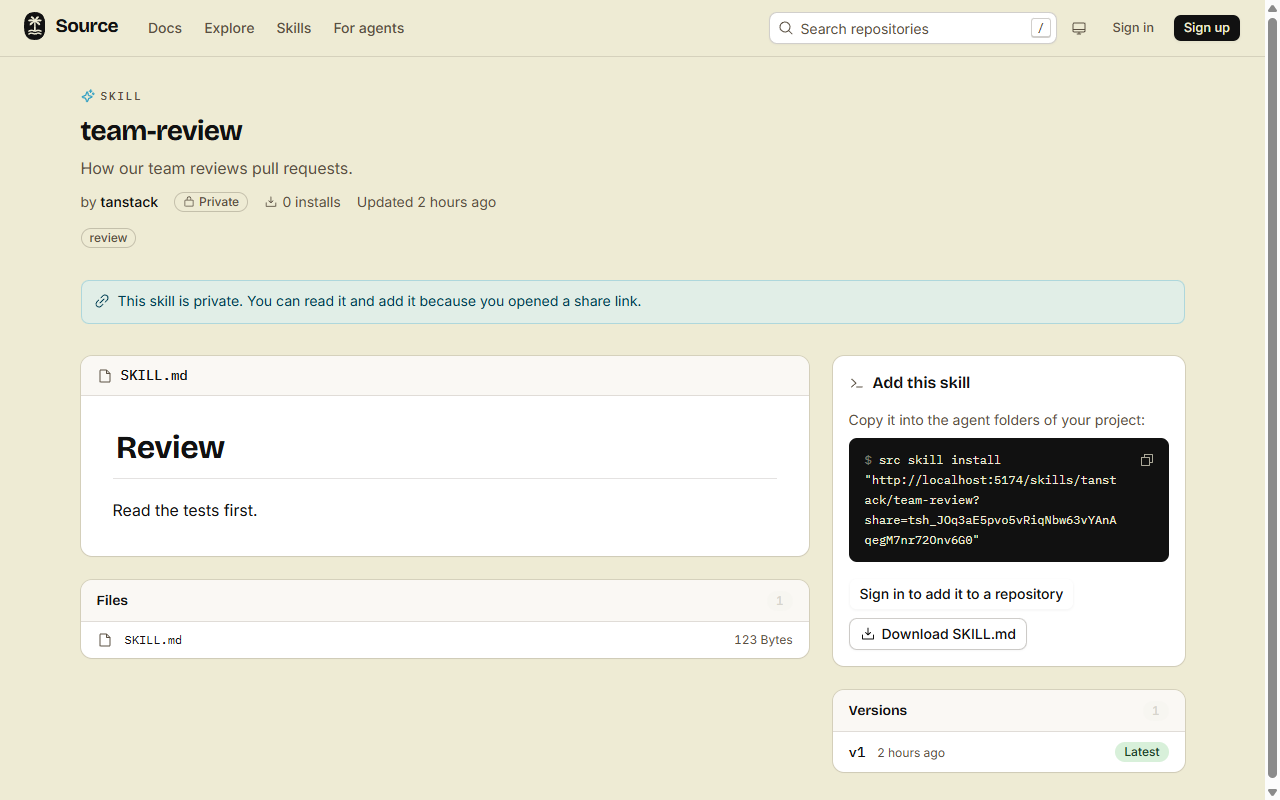
- Anyone with the link can read the skill, clone it and add it, until the link ends.
srcneeds a login first (src auth login), the same as for a public skill.- REST and MCP take the
tsh_token as thesharefield or?share=. It is not a login token. - A lock file never holds the token.
Stop a link
Click Revoke next to the link, or run:
src skill share <owner>/deploy --list
src skill share <owner>/deploy --revoke <id>
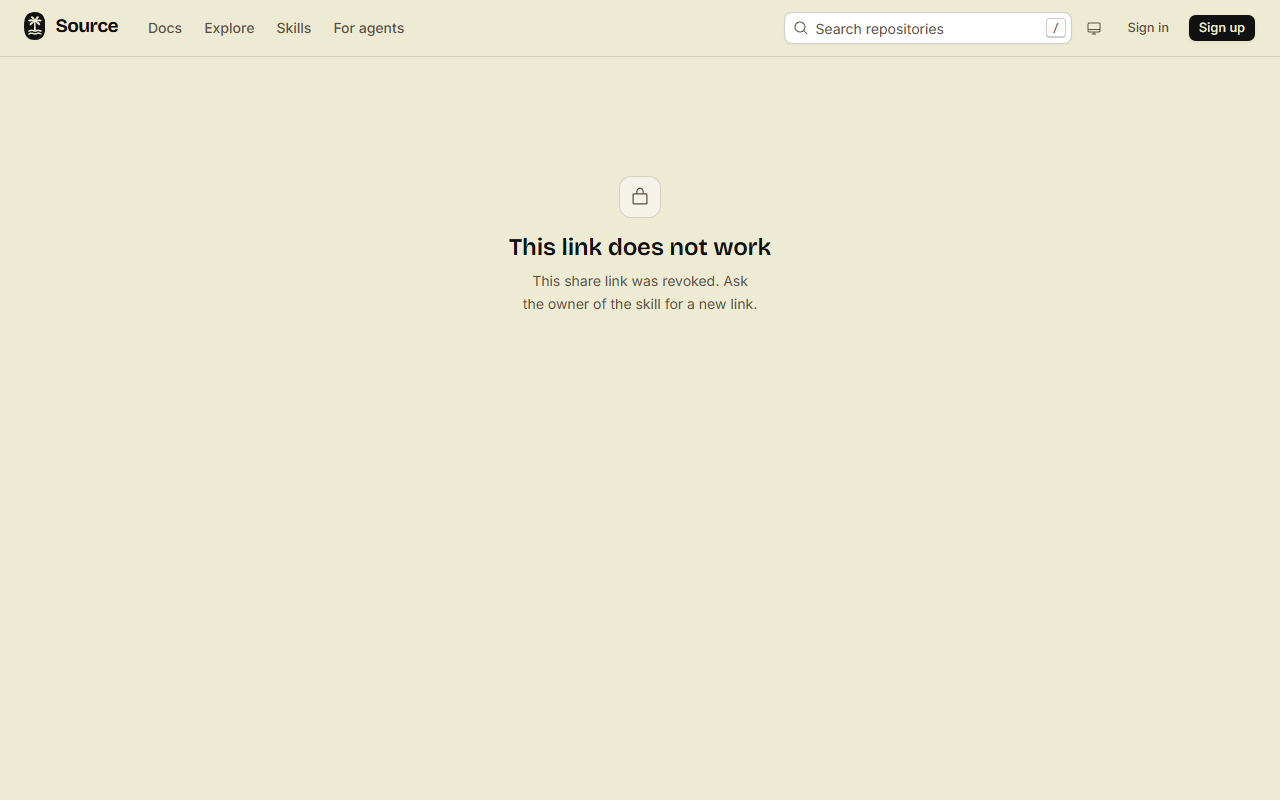
When a link ends, the copies that people added stay, but get no updates. A page opened with the link shows that the link does not work.
Done
The skill stays private, and each person with a live link can install it. The Share links list on the skill page shows when each link ends.